Project 06 / Product
Preframe
Know what to shoot before you press record.
An early mobile pre-production tool for solo short-form creators. It turns a rough idea into a practical plan for the footage a video needs.
01
The gap between idea and footage
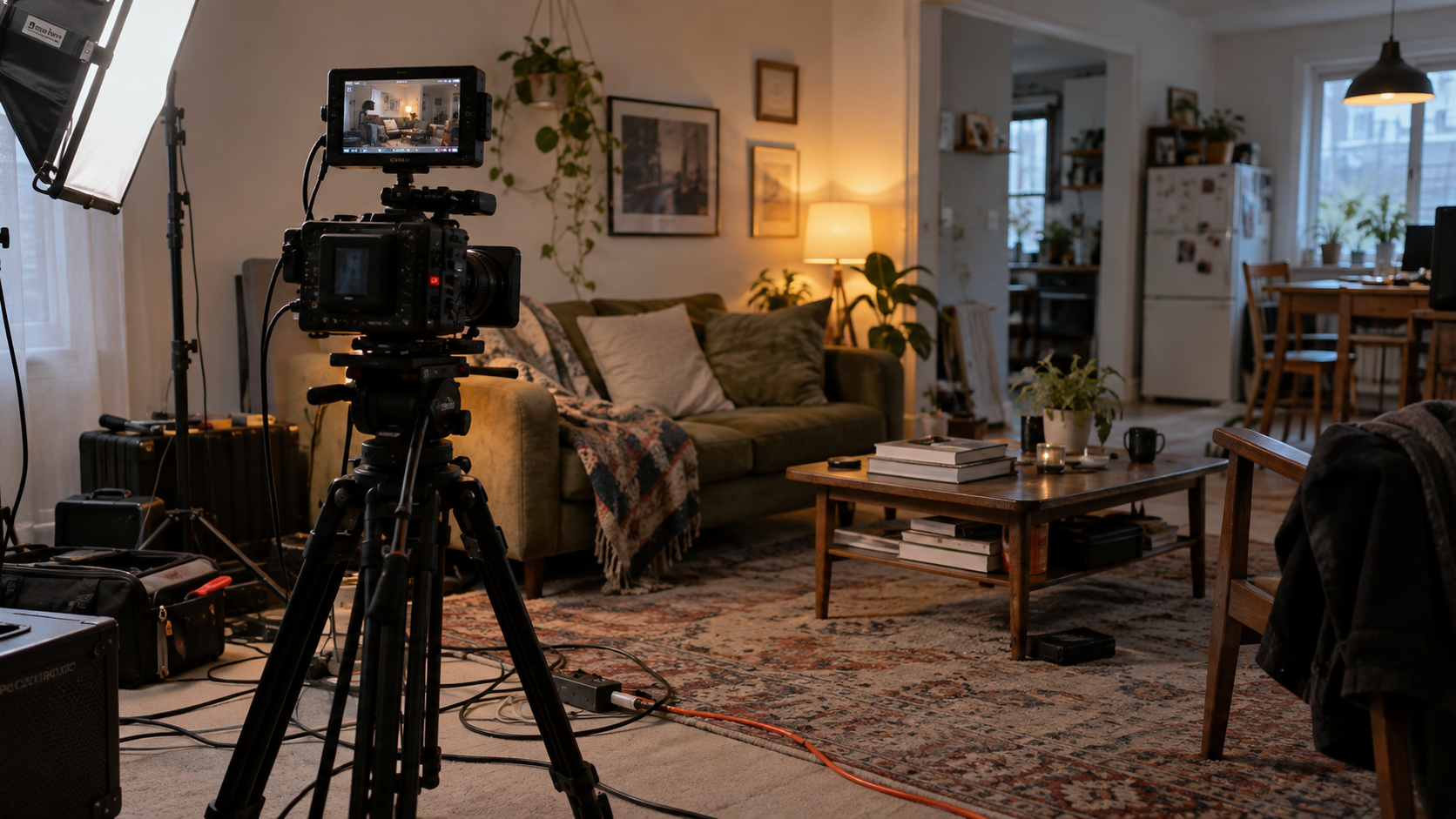
A creator can picture a video without knowing which shots will make it work. Missing an establishing shot, an alternate angle, or B-roll often becomes clear only in the edit. Preframe explores how to make those decisions earlier, when there is still time to capture the footage.
02
From thought to shot list
The product is built around one loop: describe the idea, review the story structure, shape the footage list, then take that list into the shoot.
- 01Idea
Start with a rough video idea in your own words.
- 02Plan
Review a concept and a short sequence of story beats.
- 03Footage
Edit the shots, B-roll, and coverage needed to tell it.
- 04Shoot
Use the list on set and mark what you captured.
The plan is a starting point. Creators can change the concept, edit individual items, and add their own shots.
03
The working mobile flow
In the current Expo prototype, typed ideas go to a local generation service. The resulting plan separates essential shots, supporting B-roll, and alternate coverage. Shoot mode turns those items into a capture checklist and keeps unfinished footage visible in the summary.
PlanConcept and ordered structure alongside editable footage items.
ShootAll, remaining, and captured views for the on-set checklist.
ReturnThe current project and capture marks are saved locally on the device.
04
A tool for visual work
The interface uses dark, compact surfaces and restrained blue highlights, keeping attention on the plan and footage. Its current template and project views use cinematic imagery to give creators a visual point of reference.


The app icon carries the electric blue mark used across the product.
05
What I built
I defined the product direction and core workflow, designed the UI, and built the mobile prototype with Expo and React Native. The local Node service connects to Ollama for structured plan generation; the app checks the returned plan before showing it and stores the active project with AsyncStorage.
06
Where it stands
Preframe is an early MVP in active development. Text input, plan review, shot editing, local project saving, and the shoot checklist exist in the current prototype. Voice input is part of the intended direction, not the current mobile flow. The next product question is whether real creators find this planning loop useful before filming.